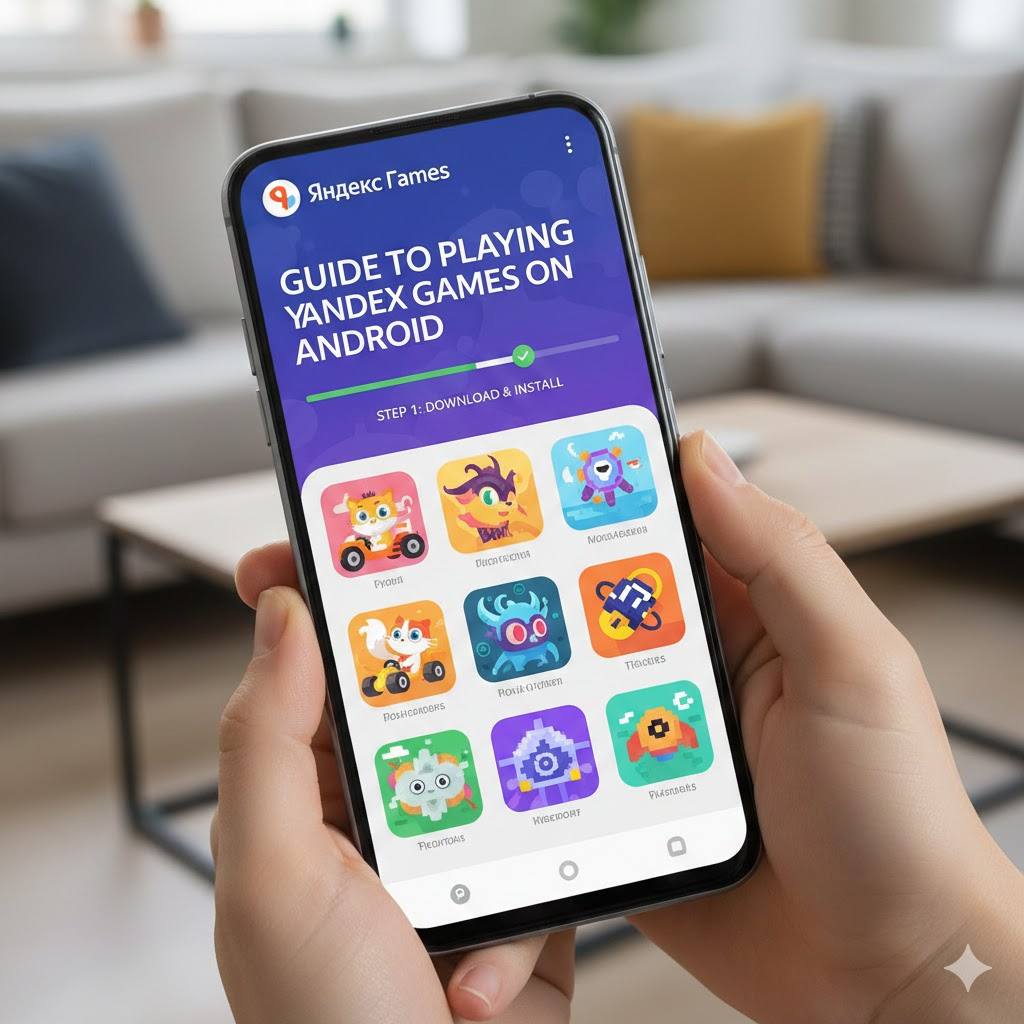
Yandex Games is a popular platform offering a wide range of HTML5 games that you can play directly on your Android device. Whether you want to enjoy casual gaming on the go or explore multiplayer and kids-friendly titles, this guide will help you get started with Yandex Games on Android, optimize your experience, and troubleshoot common issues.
What is Yandex Games?
Yandex Games is an online platform hosting thousands of browser-based games that run on HTML5 technology. This means you can play many games instantly without downloading large files, making it perfect for Android devices with limited storage.
How to Access Yandex Games on Android
1. Using the Official Yandex Games App
- Download Yandex Games: One Stop Gateway from the Google Play Store.
- The app offers a curated selection of games, easy navigation, and cross-device sync.
- If the Play Store is unavailable in your region, APK files are available from third-party sites, but be cautious of security risks.
2. Playing via Mobile Browser
- Open Chrome or any modern browser on your Android device.
- Visit the official Yandex Games website.
- Browse and play games instantly without installation.
Tips for Playing Yandex Games on Android
- Stable Internet Connection: Most games require an active internet connection since they stream content.
- Offline Play: Some games support offline mode; check the game description for offline availability.
- Unblocked Access: If you face network restrictions (e.g., at school or work), consider using a VPN or proxy, but ensure compliance with local policies.
- Device Compatibility: Yandex Games work best on Android 6.0 and above with updated browsers.
Popular Game Categories on Yandex Games
- Two-Player Games: Challenge friends or family in multiplayer games.
- Kids Games: Safe and age-appropriate games for children.
- Games for Boys: Action-packed and adventure games tailored for boys.
Developer Opportunities
Yandex also offers a developer portal where creators can publish HTML5 games, monetize through ads and in-app purchases, and reach a global audience.
Safety and Privacy Considerations
- Prefer installing the official app from Google Play to avoid malware risks.
- Be cautious when using VPNs or proxies; use reputable services to protect your data.
- Avoid downloading APKs from untrusted sources.
Final Recommendations
- Use the official Yandex Games app for the best experience.
- Play games directly in your browser for quick access.
- Use VPNs responsibly if you encounter access restrictions.
Enjoy your gaming experience on Yandex Games with this handy Android guide!# Guide to Playing Yandex Games on Android
Yandex Games is a popular platform offering a wide range of HTML5 games that you can play directly on your Android device. Whether you want to enjoy casual gaming on the go or explore multiplayer and kids-friendly titles, this guide will help you get started with Yandex Games on Android, optimize your experience, and troubleshoot common issues.
What is Yandex Games?
Yandex Games is an online platform hosting thousands of browser-based games that run on HTML5 technology. This means you can play many games instantly without downloading large files, making it perfect for Android devices with limited storage.
How to Access Yandex Games on Android
1. Using the Official Yandex Games App
- Download Yandex Games: One Stop Gateway from the Google Play Store.
- The app offers a curated selection of games, easy navigation, and cross-device sync.
- If the Play Store is unavailable in your region, APK files are available from third-party sites, but be cautious of security risks.
2. Playing via Mobile Browser
- Open Chrome or any modern browser on your Android device.
- Visit the official Yandex Games website.
- Browse and play games instantly without installation.
Tips for Playing Yandex Games on Android
- Stable Internet Connection: Most games require an active internet connection since they stream content.
- Offline Play: Some games support offline mode; check the game description for offline availability.
- Unblocked Access: If you face network restrictions (e.g., at school or work), consider using a VPN or proxy, but ensure compliance with local policies.
- Device Compatibility: Yandex Games work best on Android 6.0 and above with updated browsers.
Popular Game Categories on Yandex Games
- Two-Player Games: Challenge friends or family in multiplayer games.
- Kids Games: Safe and age-appropriate games for children.
- Games for Boys: Action-packed and adventure games tailored for boys.
Developer Opportunities
Yandex also offers a developer portal where creators can publish HTML5 games, monetize through ads and in-app purchases, and reach a global audience.
Safety and Privacy Considerations
- Prefer installing the official app from Google Play to avoid malware risks.
- Be cautious when using VPNs or proxies; use reputable services to protect your data.
- Avoid downloading APKs from untrusted sources.
Final Recommendations
- Use the official Yandex Games app for the best experience.
- Play games directly in your browser for quick access.
- Use VPNs responsibly if you encounter access restrictions.
Enjoy your gaming experience on Yandex Games with this handy Android guide!